

















































Skip to content

Thursday, September 24, 11 a.m.Sphère, what's next: the new features live, with your questions.

Save my seat

Comunik Sphere — Phone, chat, mail and CRM in a single space.

Calls, conversations, customers and invoices live in one place. Koukou AI summarises, searches and suggests in every application, with your rights.

Trusted by

  • Tunisair
  • Orange
  • Ford
  • Délice Danone
  • Vistaprint
  • FedEx
  • Peugeot
  • Zara
  • Celio
  • Condor
  • Royal Air Maroc
  • Pathé

The catalogue

One platform. No application is an add-on.

Applications are grouped into offers, and all of them share the same directory, the same rights and the same session. You start with one offer and add the others.

applications available
20
offers available
8
shared directory
1

By module

Each module stands on its own. Together, they share everything.

A day in Sphere

From the morning dashboard to the end-of-day quote.

Five moments in a day at a distribution company. The day moves on by itself; pick a time to stop there.

08:00

The team starts its day: missed calls, waiting tickets, upcoming meetings. It all fits on one page. Nobody opens five tools to know where to start.

Dashboard

10:00

11:30

14:00

17:30

Koukou AI

It suggests. You stay in control.

Where is the dock B complaint?

Ask the question in plain language. Koukou searches your conversations, files and documents, with the rights of the person asking.

Solutions by industry

The same product. Not the same day.

Each page starts from the day of a trade, with the same applications.

Patient callSoon

Healthcare

Urgent calls first, missed calls returned, one number per practitioner.

QueueSoon

Contact centers

Skills-based routing, live monitoring, calls scored by AI.

OrderSoon

Retail

WhatsApp, Instagram and the website in one inbox, after-sales as tickets.

Openness

A single platform, not a closed one.

Your carriers, mailboxes and social networks plug in on one side. On the other, your teams work at the desk phone, in the browser or on mobile, and your tools connect through the API.

Connections

Not a catalogue. A list, and it fits here.

What plugs in today, by name. The rest goes through the API and outgoing events.

Today

  • SIP trunks, SIP phones and GSM gateways
  • Gmail, Outlook and Microsoft 365 mail over IMAP and SMTP
  • WhatsApp, Messenger, Instagram and Telegram
  • REST API, with limited-rights tokens
  • Outgoing and incoming webhooks, with a delivery log

Not today

  • Synchronisation with Active Directory or LDAP
  • A payroll package
  • A native Zapier or n8n connector

Telephony

  • SIP trunks
  • SIP phones
  • GSM gateways

Messaging

  • Gmail
  • Outlook
  • Microsoft 365

Social channels

  • WhatsApp
  • Messenger
  • Instagram
  • Telegram

Developers

  • REST API
  • Webhooks

Tiles with initials: types of connection, not brand logos.

IP desk phones

Seven IP phones, one way to plug them in.

From the two-line phone in a workshop to the three-screen receptionist console. They all provision the same way, carry the same directory and mix freely in the same company.

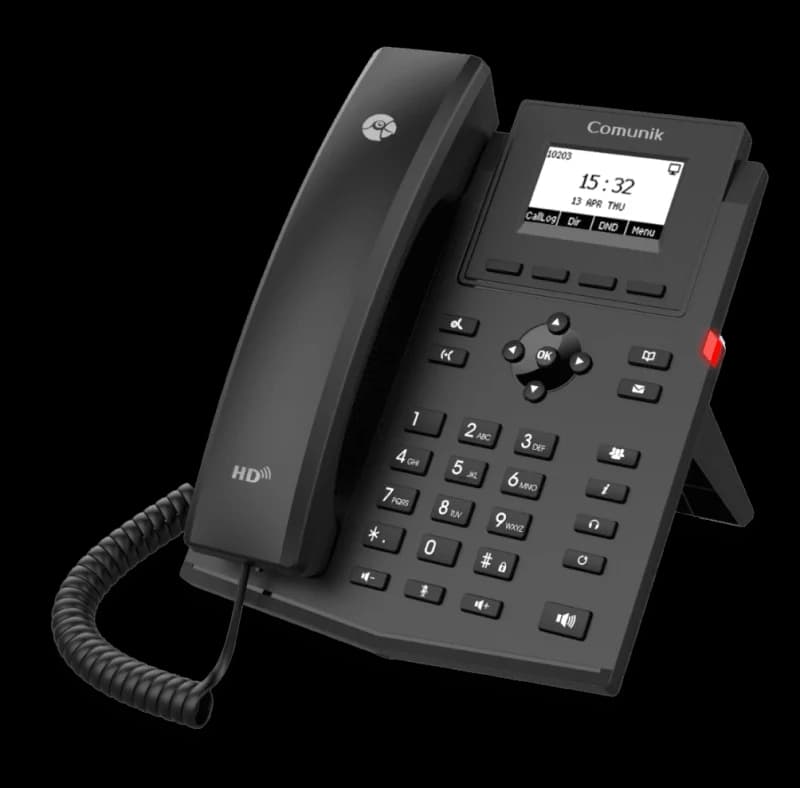
The CMK12P IP phone at a three-quarter angle: handset on the left, backlit screen and keypad.

Business IP phone · CMK12P

Two lines, and nothing more.

The phone you put where someone needs to pick up, without turning it into a full work tool. It provisions like the others, carries the same directory, and costs what a two-line phone costs.

  • 2 lines
  • HD voice
  • EHS headset
  • PoE
  • Opus
  • 6-way conference
  • IPv6
A screen, nothing to set
A 132 × 64 backlit LCD and two BLF keys: the phone shows who is calling and who is free, with no menu to dig through.
One socket on the wall
Two 10/100 Mbit/s Ethernet ports, and power over the network cable. No power brick behind the desk.
HD voice, both ways
Handset and speaker in HD voice, on the G.722 and Opus codecs. Six-way conference, and an EHS port for a wireless headset.
Encrypted and standard
Configuration and calls encrypted with AES, SRTP and TLS. The phone speaks SIP: it will work on another platform too.
The extra IP phone

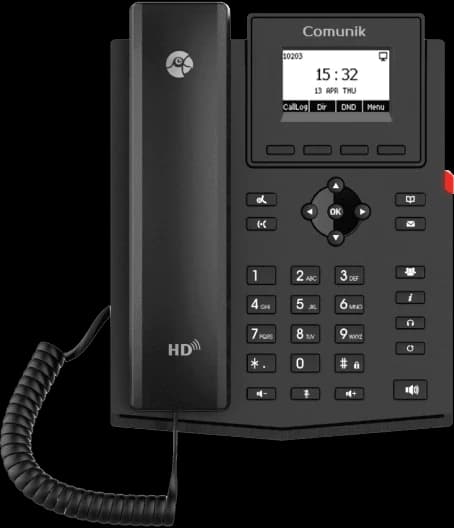
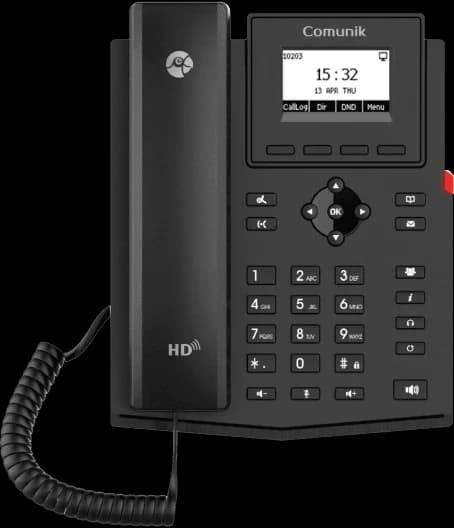
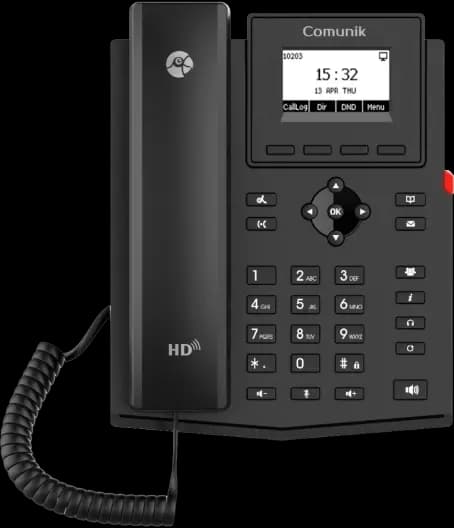
  • The CMK12P IP phone, front view.

    CMK12P

    Business IP phone

    • 2 SIP accounts
    • 132 × 64 screen
    • 2 BLF keys
    • PoE
  • The CMK12G IP phone, front view.

    CMK12G

    Entry-level IP phone

    • 2 SIP accounts
    • 132 × 64 screen
    • 2 gigabit ports
    • PoE
  • The CMK12W IP phone, front view.

    CMK12W

    Entry-level Wi-Fi IP phone

    • 2 SIP accounts
    • Wi-Fi 2.4 and 5 GHz
    • 132 × 64 screen
    • PoE

The everyday work phone

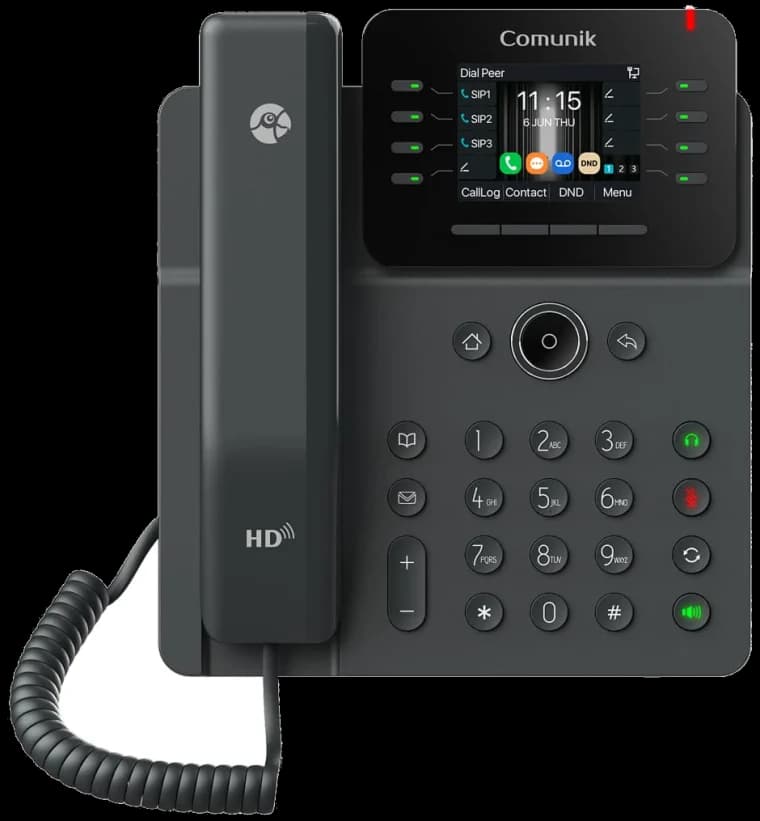
  • The CMK14W IP phone, front view.

    CMK14W

    12-line professional phone

    • 12 SIP accounts
    • 21 BLF keys
    • Dual-band Wi-Fi
    • Bluetooth 5.4
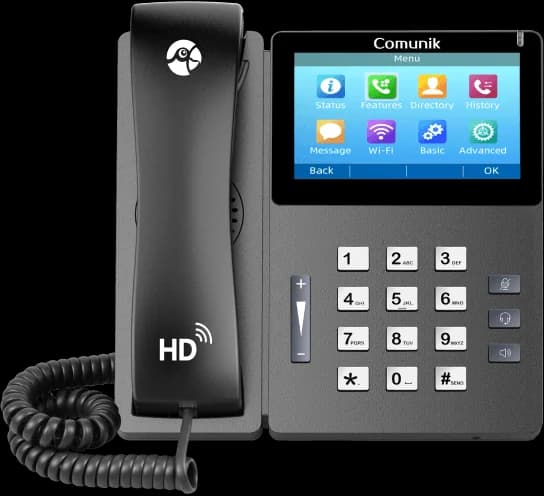
  • The CMK15 touchscreen IP phone, front view.

    CMK15

    High-end touchscreen IP phone

    • 4.3″ IPS touchscreen
    • 10 SIP accounts
    • 64 BLF keys
    • PoE
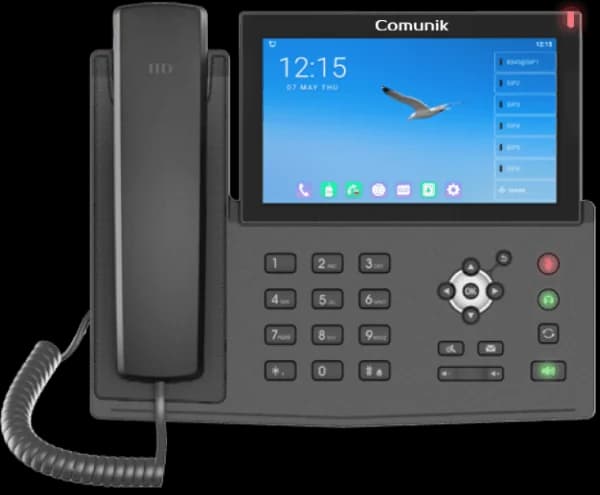
  • The CMK17V IP phone with its large Android touchscreen, front view.

    CMK17V

    Touchscreen IP phone, Android 9.0

    • 7″ touchscreen
    • 20 SIP accounts
    • 112 BLF keys
    • Optional USB camera

The receptionist console

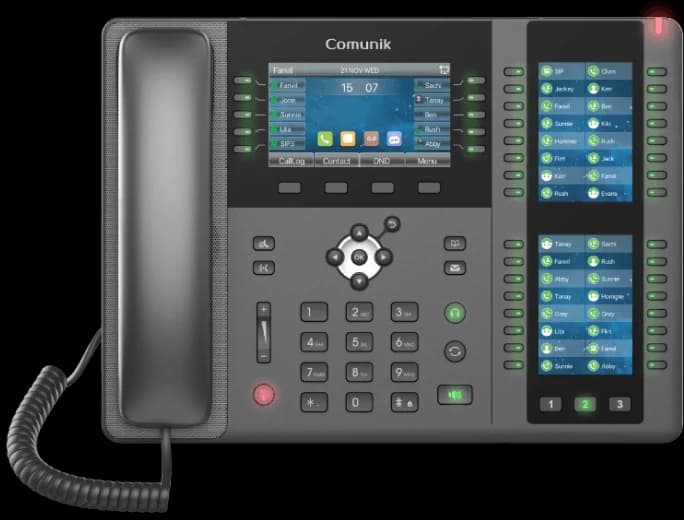
  • The CMK20 receptionist IP phone with its two key screens, front view.

    CMK20

    Receptionist IP phone

    • 106 DSS keys
    • 3 LCD screens
    • 20 SIP accounts
    • Bluetooth 2.1

On mobile

Chat, calls, visio in your pocket.

An app for iPhone and Android, on the same account as the browser. Reply in a channel, take a call or open a file without going back to the office.

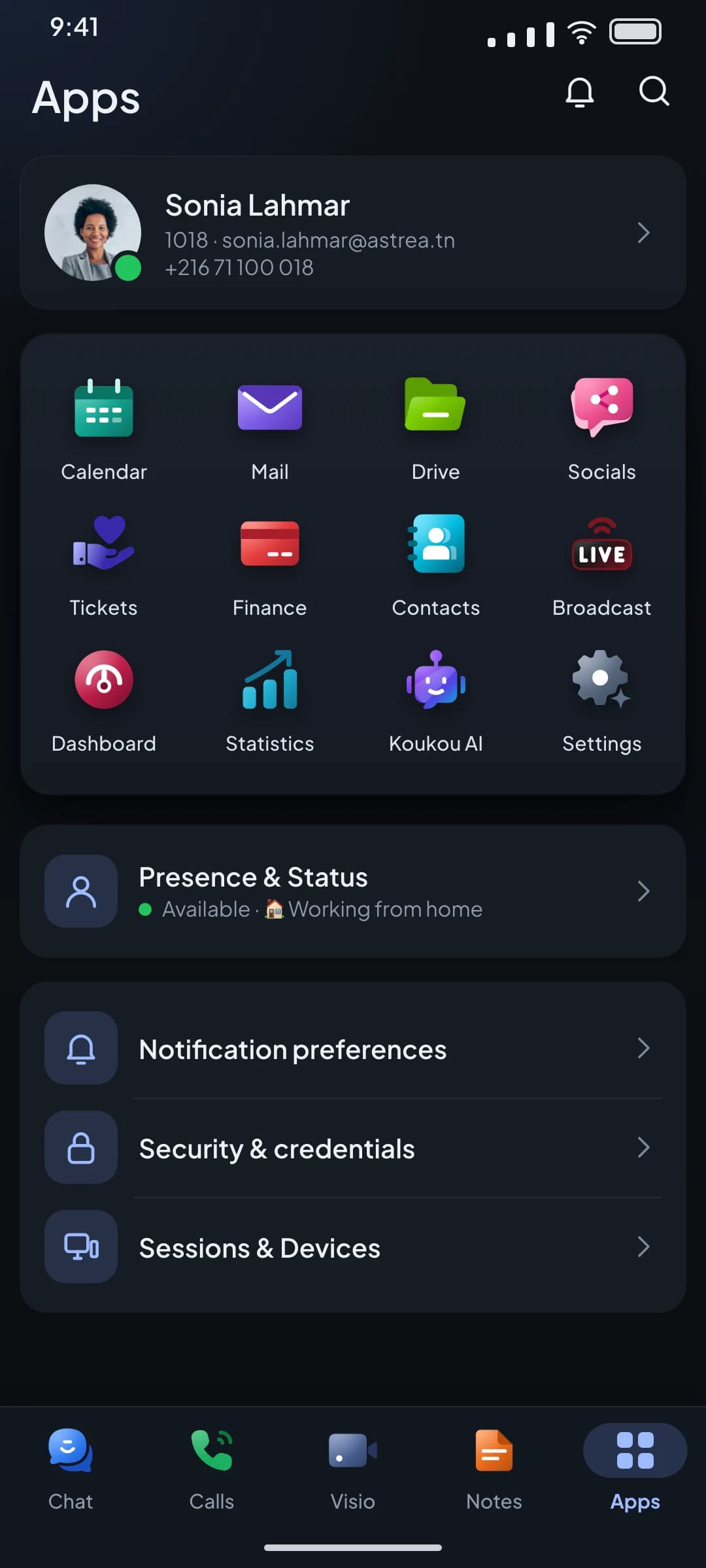
  • Chat, Calls, Visio and Notes in the bottom bar. Calendar, Mail, Drive, Contacts and Broadcast in the app grid.
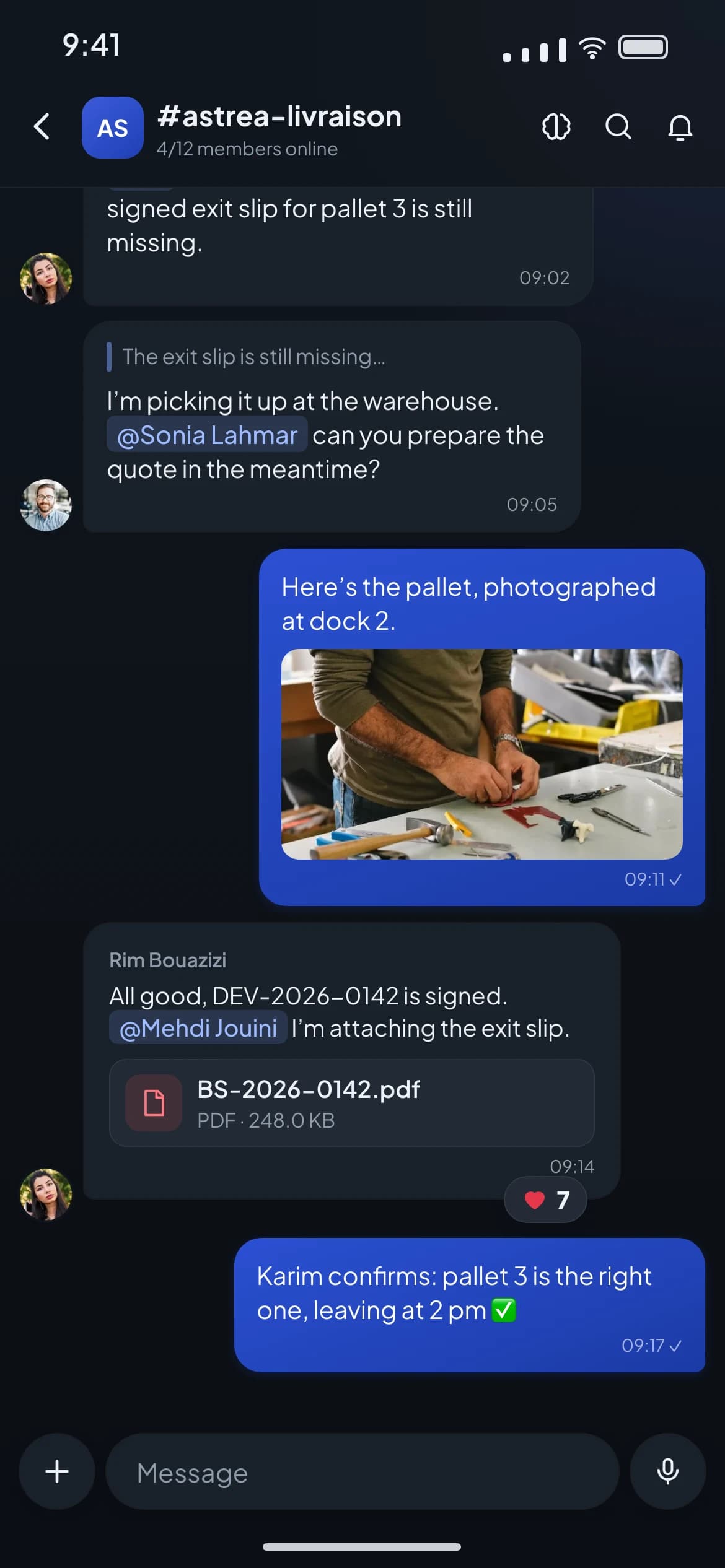
  • Write, mention a colleague, attach a photo, a PDF or a file from Drive.
  • Mute, hold, transfer, conference. A call started on the computer can be picked up on the phone.
The Apps screen of the mobile app: the app grid (Calendar, Mail, Drive, Contacts, Broadcast…) and the bottom bar Chat, Calls, Visio, Notes.
A Chat channel on mobile: a photo of a pallet, an attached PDF, a mention and a reaction on a message.

Customer reviews

What they say who use it.

A new hire is up and running within an hour: the phone, WhatsApp and complaints are in the same window. Before, we trained people on three tools.
YTYasmine T.Operations director · Distribution company, Tunis
The evening's complaint is a ticket the morning team sees as they start. The customer no longer repeats it.
HTHichem T.General manager · Services, Sfax
We finally see the missed calls and the ones we called back. Monday's dashboard fits on one page.
LMLeïla M.Customer service manager · Retail, Sousse
The meeting summary is in the note before the room empties. We no longer re-type it.
OFOmar F.Sales manager · Industry, Bizerte

Sample figures

for a new hire to be up and running
1 h
for a new hire to be up and running
Example
window for the phone, the chat and tickets
1
window for the phone, the chat and tickets
Example
re-typing between the quote and the invoice
0
re-typing between the quote and the invoice
Example

Pricing

Plans that grow with your team.

From 25 users, a volume discount applies.

KIT Start

9.9DT excl. tax

per user per month

That is 99 DT excl. tax per month

  • Full VoIP telephony
  • Voice menu and call queues
  • Transfer, parking, conference
  • Statistics and call log
  • 5 GB of storage
Most chosen

KIT Advanced

16.9DT excl. tax

per user per month

That is 169 DT excl. tax per month

  • Everything in KIT Start
  • Team chat
  • Visio meetings
  • Activities
  • Free internal calls
  • 30 GB of storage

KIT Full

26.9DT excl. tax

per user per month

That is 269 DT excl. tax per month

  • Everything in KIT Advanced
  • Business email
  • Shared mailboxes
  • Drive
  • Notes
  • Broadcast
  • 50 GB of storage

Questions

What we are asked before getting started.

No answer here? Write to us: we answer yes or no, never maybe.

One space for the whole team. Try it on your calls.

Phone, chat, video, mail and tickets in the same window. See the price of each plan on the Pricing page.

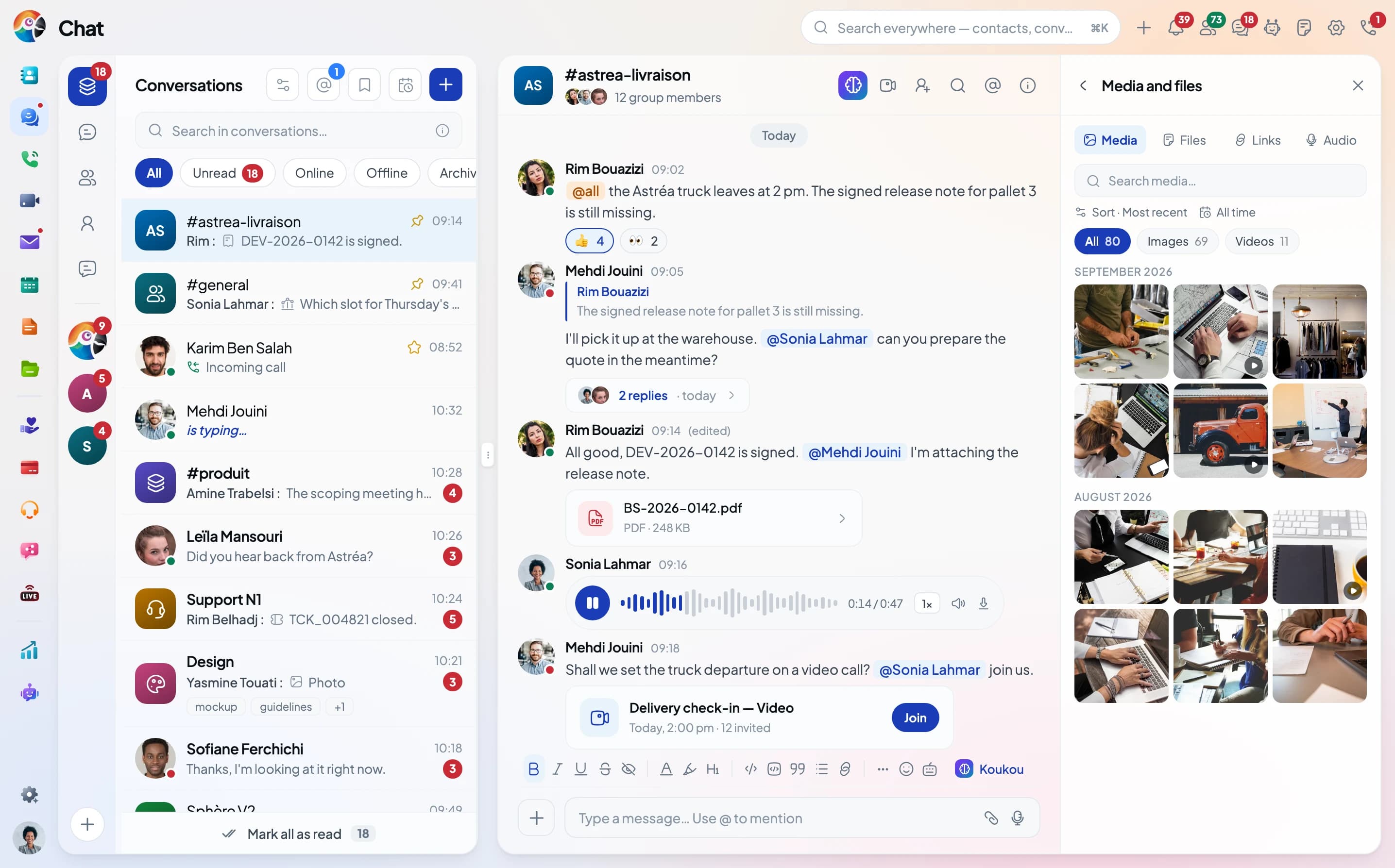
The Comunik KIT Chat: a delivery room and the Media and files panel.